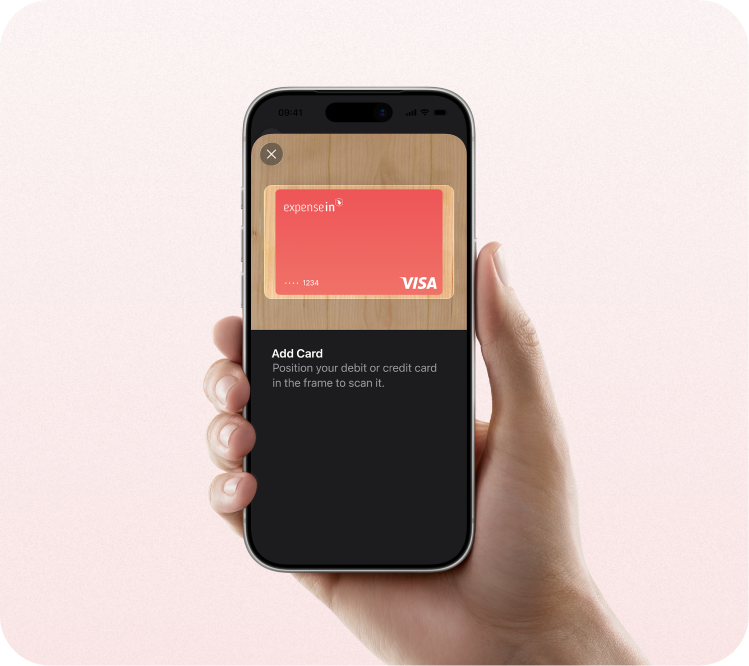
AN EASY, SECURE, AND PRIVATE WAY TO PAY.
Your iPhone is your ExpenseIn card.
Apple Pay is an easy, secure, and private way to use your ExpenseIn card on all your Apple devices.


Pay with ease. On all your Apple devices.
Apple Pay makes it easy to pay with your ExpenseIn card on your iPhone, Apple Watch, Mac, iPad, and Apple Vision Pro.
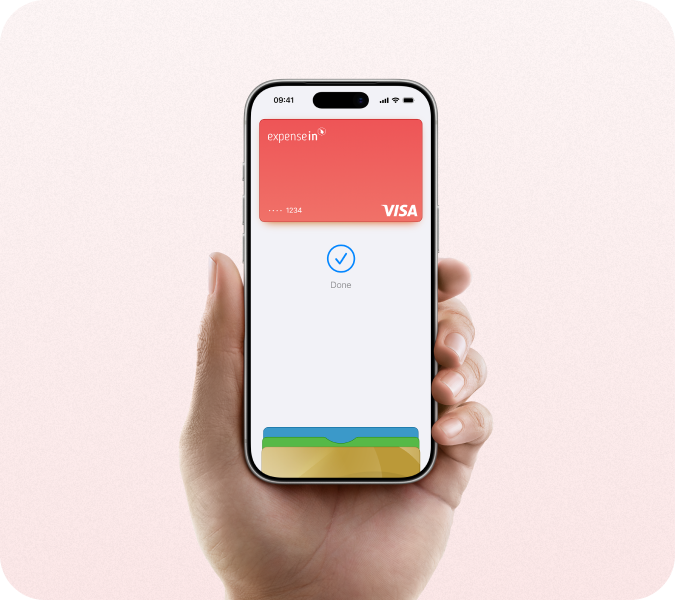
Private. Secure. That's Apple Pay.
Apple Pay uses security features built into your Apple device, including Face ID and Touch ID - so only you can authorise payments with your ExpenseIn card.
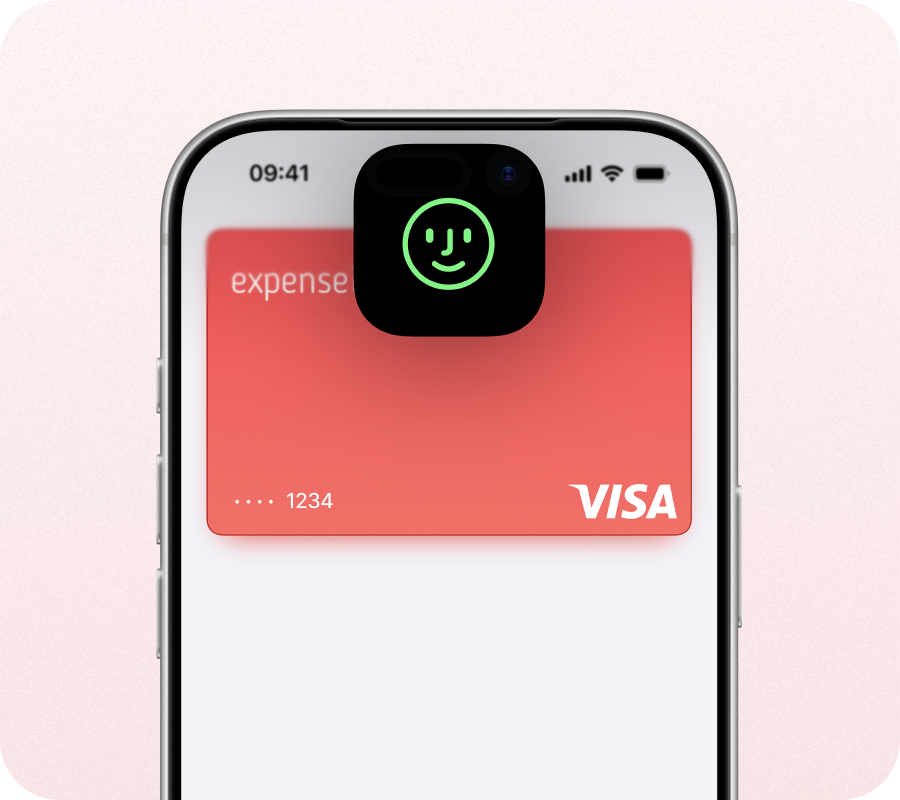
Set up in seconds. Right on your phone.
To add a card, open Apple Wallet on your iPhone, Apple Watch, or Apple Vision Pro or select Wallet > Apple Pay in System Preferences on your iPad or Mac.